Effective team communication is essential for improving collaboration, reducing delays, and keeping business operations organized. Odoo 20 Discuss enhances workplace communication with new features designed to help teams manage conversations, coordinate meetings, and make decisions more efficiently.
With Odoo 20 Discuss, users can explore features such as the “On a Call” status indicator, call transcripts and summaries, channel categories, favorite channels and interactive polls. These improvements help teams organize conversations, identify colleagues' availability, and keep track of important discussions.
In this guide, we explore the key Odoo 20 Discuss features, explain how they work, and highlight how businesses can use them to improve internal communication and team productivity.
Article Overview
- 1. "On a call" Status Indicator
- 2. Call Transcripts & Summaries
- 3. Channel Categories
- 4. Favorite Channels
- 5. Interactive Polls
- 6. Conclusion
- 7. Frequently Asked Questions
"On a call" Status Indicator
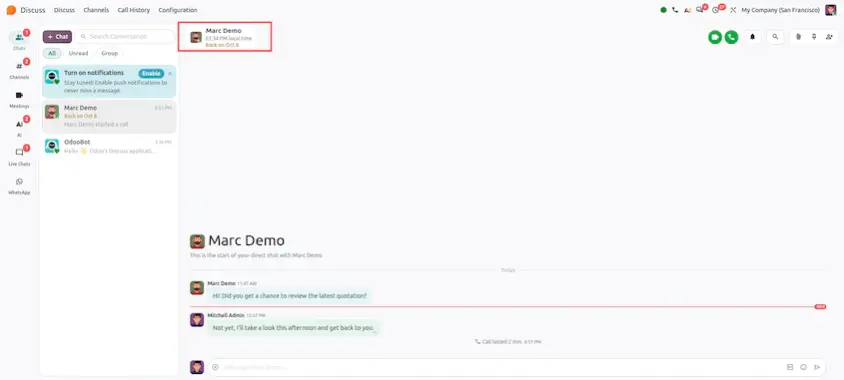
Feature Overview: Easily see if a colleague or team member is currently engaged in an active audio/video Discuss call or Phone app (VOIP) call directly from their Discuss status badge.
Call Transcripts & Summaries
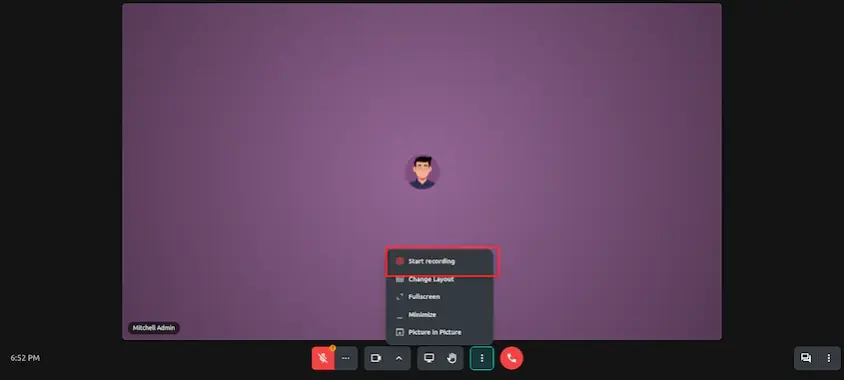
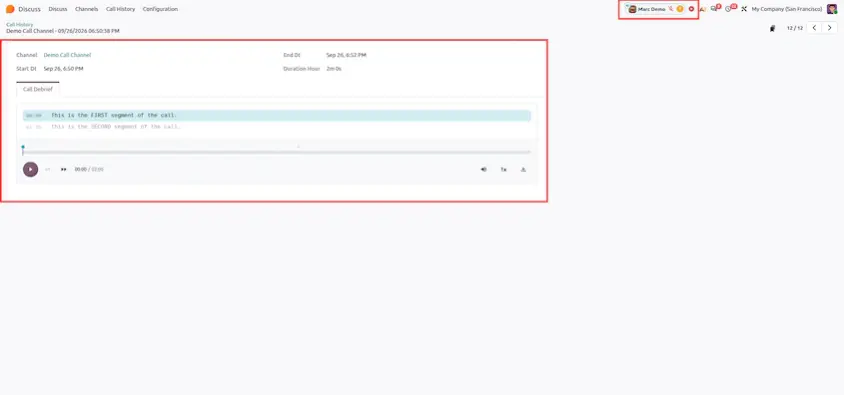
Feature Overview: Record Discuss audio/video calls with team members or external guests, automatically store call artifacts, and generate AI-powered text transcripts and executive call summaries.
Channel Categories
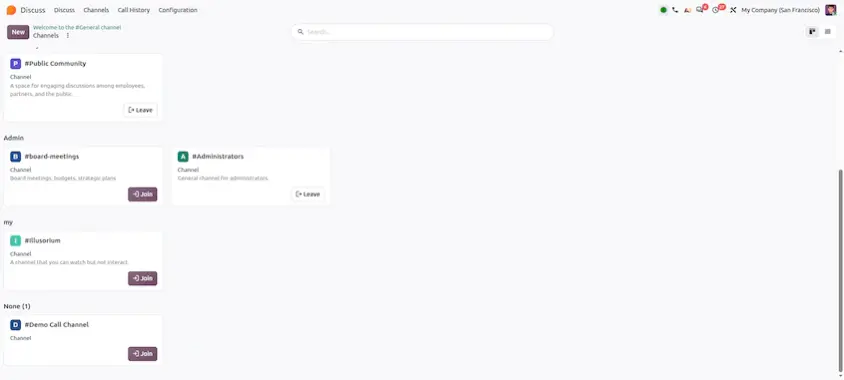
Feature Overview: Group and organize public and private channels into custom collapsible sidebar categories (e.g., Sales Channels, Project Alpha, Engineering) to clean up sidebar clutter.
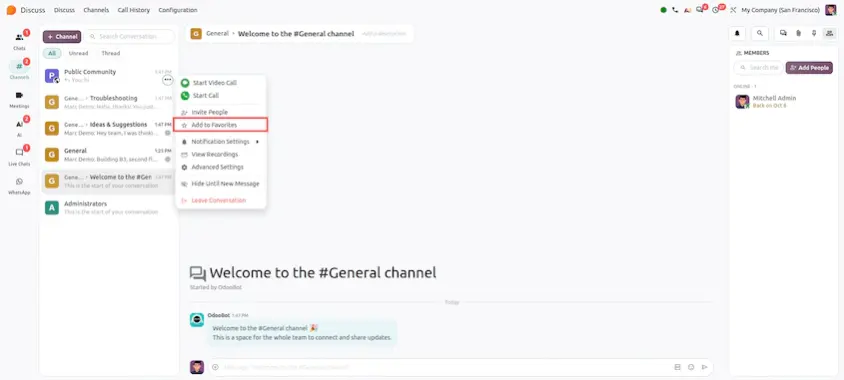
Favorite Channels
Feature Overview: Mark frequently used channels and direct messages as favorites to pin them to a dedicated "Favorites" section at the top of your sidebar for rapid access.
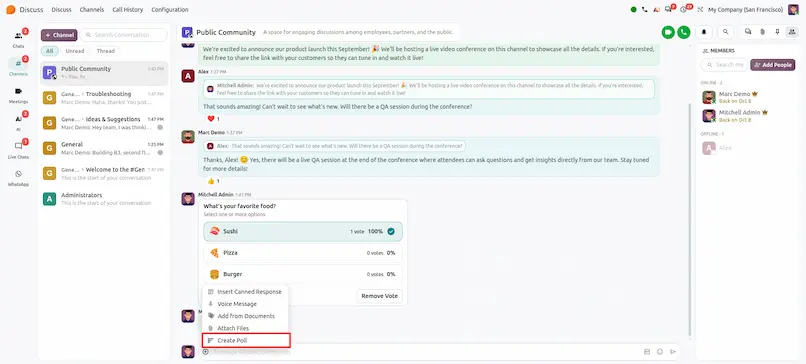
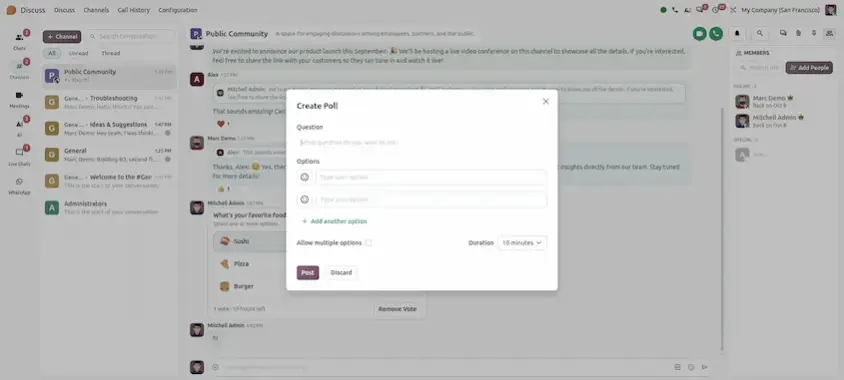
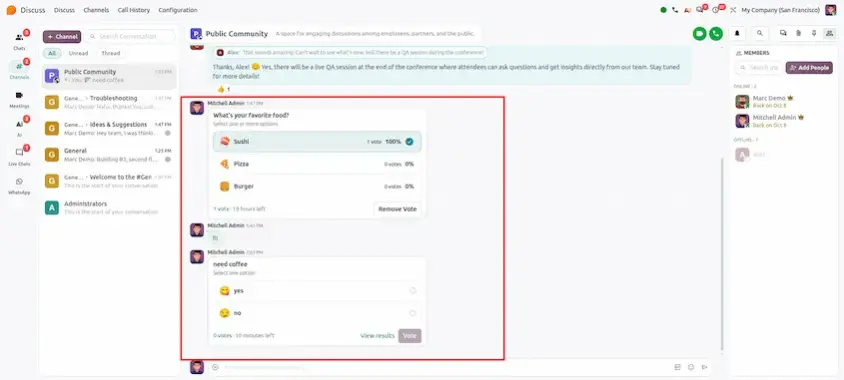
Interactive Polls
Feature Overview: Create live interactive polls directly inside any Discuss channel or direct message. Set single or multiple choice questions, collect real-time votes, and view live poll results.
Odoo 20 Discuss makes team communication easier to follow and keep organized. Colleagues' availability is visible at a glance, calls can be recorded and summarized, and the sidebar stays tidy with categories and favorites, while polls and unread messages help conversations move forward.
The main takeaways:
- Better awareness: the "On a call" indicator shows who is busy before you reach out.
- Less manual follow-up: call recording with AI transcripts and summaries, plus Mark as Unread for messages you need to return to.
- A cleaner workspace: channel categories and favorite channels keep the sidebar organized.
- Faster team decisions: interactive polls collect live votes directly inside a channel or direct message.
A good way to start is by grouping your channels into categories and starring the ones you use most, then try recording a call and running a poll with your team. Replace the screenshot placeholders with captures from your own environment to build training material.
Odoo 20 Discuss: New Features and Improvements