How OWL is Replacing Legacy Widgets in Odoo 19
Introduction
If you have been building custom Odoo modules for some time, you are likely familiar with the established pattern: extend web.Widget, write a QWeb template, wire up jQuery events, and manually update the DOM whenever data changes. It works — but Odoo 19 has drawn a clear line.
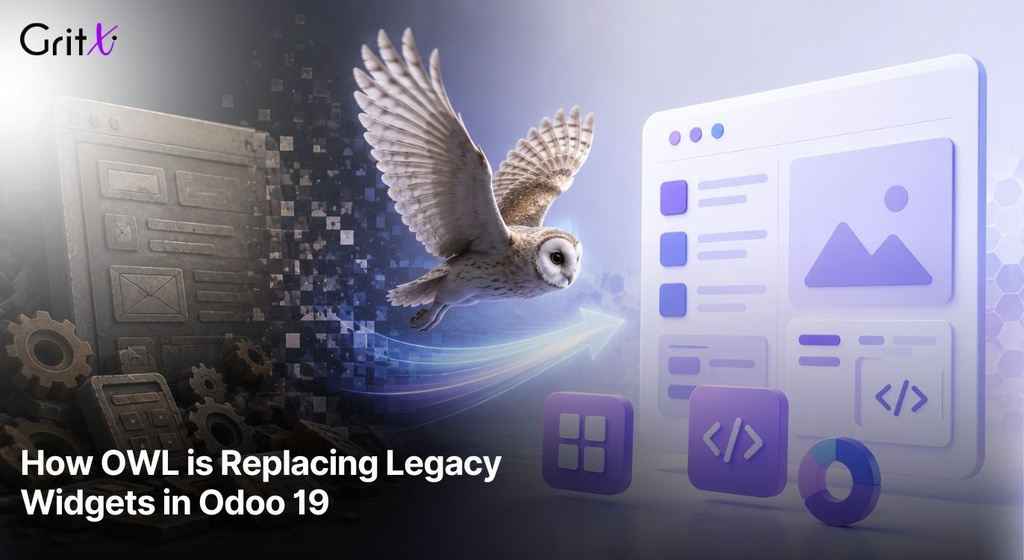
Legacy widgets are now officially deprecated. The new standard is OWL (Odoo Web Library) — a modern, component-based JavaScript framework built by Odoo themselves. Any new frontend code written today must use OWL.
What does deprecation mean in practice?
Legacy widgets still run in Odoo 19. Existing modules will not break overnight. However, Odoo will no longer develop or support them. All new UI code must be written in OWL, and any module you touch for maintenance should be progressively migrated.
1. Internal Workflow
The Legacy Widget Lifecycle
The legacy widget system followed an imperative lifecycle — you instructed it what to do at each stage:
- init — constructor, property setup
- willStart — async setup before rendering
- start — called after DOM insertion
- destroy — manual event and child widget cleanup
The OWL Component Lifecycle
OWL takes a declarative approach. You describe what the UI should look like given the current state, and OWL handles the DOM updates automatically.
- setup() — replaces the constructor; the entry point for all hooks
- onWillStart() — async hook that runs before the first render
- onMounted() — called after DOM insertion, equivalent to start in legacy
- onWillUnmount() — cleanup before the component is removed from the DOM
Legacy widgets had no awareness of your data. Every state change required a manual DOM update. This led to the classic Odoo bug: data updates without a matching re-render, leaving the UI showing stale information.
Key Mental Shift
Stop thinking in instructions. Start thinking in state. When state changes, OWL automatically re-renders only the parts of the template that depend on that state — no $el.find(), no manual update calls, no risk of UI drift.
How Registration Works
Legacy widgets were registered using include() or extend() on existing classes. OWL components use a centralized registry — a key-value store that maps string identifiers to component classes.
// OLD — extend an existing widget class
var MyWidget = Widget.extend({ ... });

// NEW — register in the component registry
import { registry } from '@web/core/registry';
registry.category('views').add('my_custom_view', MyComponent);
2. Architecture Diagram
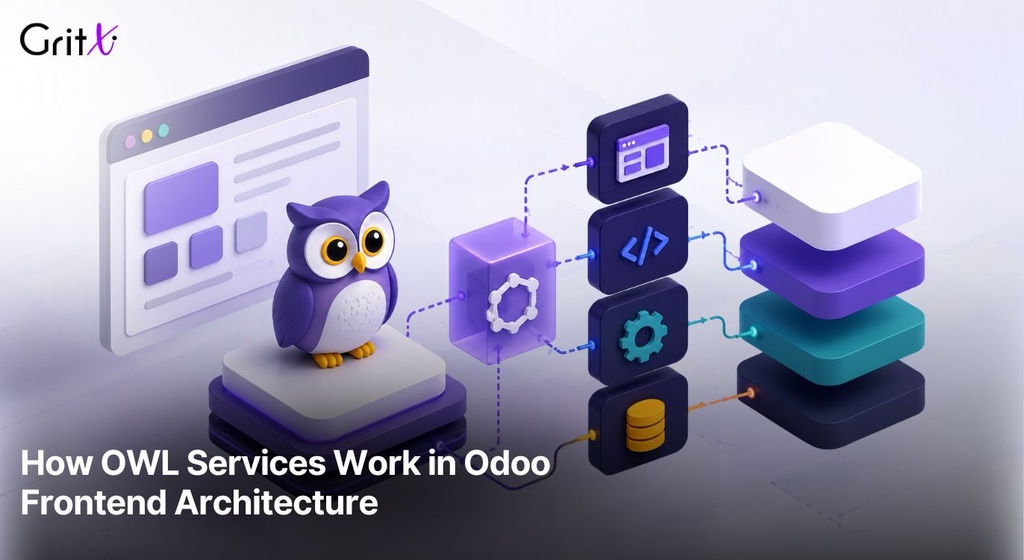
The diagram below illustrates how OWL components fit into the Odoo web client architecture. A critical design principle: components never communicate with the backend directly. All server communication flows through the Services Layer.
Key Insight
In Odoo 19, the recommended way to call the backend from a component is the rpc utility imported from @web/core/network/rpc — not the useService('orm') pattern used in earlier versions.
3. Real Examples
Example 1 — A Basic OWL Component
The simplest possible OWL component: a counter that increments on click, demonstrating reactive state management.
/** @odoo-module **/
import { Component, useState } from '@odoo/owl';
import { registry } from '@web/core/registry';

class CounterWidget extends Component {
static template = `
<div class='counter-widget'>
<p>Count: <t t-esc='state.count'/></p>
<button t-on-click='increment'>+1</button>
</div>
`;
setup() {
this.state = useState({ count: 0 });
}
increment() {
this.state.count++;
// OWL re-renders automatically — no DOM manipulation needed
}
}
registry.category('actions').add('my_counter', CounterWidget);
Example 2 — Fetching Data with rpc
The correct pattern for calling the Odoo backend in v19: import rpc directly from @web/core/network/rpc. This is the recommended approach — you do not need to inject the orm service for most calls.
/** @odoo-module **/
import { Component, useState, onWillStart } from '@odoo/owl';
import { rpc } from '@web/core/network/rpc';
class SaleStatsWidget extends Component {
static template = `
<div>
<t t-if='state.loading'><span>Loading...</span></t>
<t t-else=''>
<h3>Total: <t t-esc='state.total'/></h3>
<p>Orders: <t t-esc='state.count'/></p>
</t>
</div>
`;
setup() {
this.state = useState({ total: 0, count: 0, loading: true });
onWillStart(async () => {
const result = await rpc('/web/dataset/call_kw', {
model: 'sale.order',
method: 'get_dashboard_stats',
args: [],
kwargs: { context: {} },
});
this.state.total = result.total_revenue;
this.state.count = result.order_count;
this.state.loading = false;
});
}
}
Example 3 — Triggering a Server Action
To trigger an Odoo action from a component, use the action service via useService.
/** @odoo-module **/
import { Component } from '@odoo/owl';
import { useService } from '@web/core/utils/hooks';
class OpenOrderButton extends Component {
static template = `
<button t-on-click='openOrder'>Open Orders</button>
`;
setup() {
this.action = useService('action');
}
async openOrder() {
await this.action.doAction({
type: 'ir.actions.act_window',
res_model: 'sale.order',
view_mode: 'list,form',
});
}
}
4. Query Examples
Reading Records
import { rpc } from '@web/core/network/rpc';
const partners = await rpc('/web/dataset/call_kw', {
model: 'res.partner',
method: 'search_read',
args: [[['customer_rank', '>', 0]]],
kwargs: {
fields: ['name', 'email', 'phone'],
limit: 20,
context: {},
},
});
Creating a Record
const newId = await rpc('/web/dataset/call_kw', {
model: 'sale.order',
method: 'create',
args: [{ partner_id: 5, order_line: [] }],
kwargs: { context: {} },
});
console.log('Created order ID:', newId);
Calling a Custom Python Method
// Python: def get_monthly_report(self, month)
const report = await rpc('/web/dataset/call_kw', {
model: 'account.move',
method: 'get_monthly_report',
args: [[1, 2, 3], '2026-05'],
kwargs: { context: {} },
});
API Migration Quick Reference
| Legacy (Deprecated) | OWL Replacement |
|---|---|
this._rpc({ model, method }) | rpc('/web/dataset/call_kw', { ... }) |
this.displayNotification() | useService('notification').add(...) |
this.do_action('...') | useService('action').doAction(...) |
icp.include(SomeWidget) | registry.category('views').add(...) |
new instance.web.DataSet() | rpc('/web/dataset/call_kw', { ... }) |
5. Performance Notes
Virtual DOM and Targeted Updates
OWL uses a virtual DOM. When state changes, it computes a diff and updates only the DOM nodes that changed — it does not re-render the entire component. For large list views or dashboards with many data points, this approach is significantly faster than legacy widget subtree re-renders.
Avoid Calling rpc Inside Loops
One of the most common performance anti-patterns — never fire one HTTP request per record:
// BAD — one HTTP request per record
for (const id of recordIds) {
const data = await rpc('/web/dataset/call_kw', {
model: 'sale.order', method: 'read',
args: [[id], ['name']], kwargs: {},
});
}

// GOOD — one batched request for all records
const allData = await rpc('/web/dataset/call_kw', {
model: 'sale.order', method: 'read',
args: [recordIds, ['name']], kwargs: {},
});
Use onWillStart for Data Fetching
Always load initial data in onWillStart, not in onMounted. onWillStart runs before the first render — no empty-content flash. onMounted runs after the DOM is ready, causing a visible flicker when data loads there.
Reactive State is Proxied
When you call useState(), OWL wraps your object in a JavaScript Proxy. Reads on that proxy set up reactive subscriptions. Only components that actually read a particular state key will re-render when it changes — fine-grained reactivity with zero boilerplate.
6. Best Practices
Always Use the @odoo-module Pragma
Every OWL file must start with the /** @odoo-module **/ comment. Without it, Odoo's asset pipeline will not transform the file correctly.
/** @odoo-module **/Keep Components Small and Focused
A component should do one thing. If setup() is growing long, split it. A dashboard should be a parent component composing smaller StatCard, ChartView, and FilterBar children — each independently testable and maintainable.
Always Handle Loading and Error States
Never render a component without accounting for loading and error conditions. Here is the canonical pattern:
setup() {
this.state = useState({ data: null, loading: true, error: null });
onWillStart(async () => {
try {
const result = await rpc('/web/dataset/call_kw', { ... });
this.state.data = result;
} catch (e) {
this.state.error = e.message;
} finally {
this.state.loading = false;
}
});
}
Do Not Mix Legacy and OWL
OWL components cannot be extended with the legacy include() pattern. If Odoo has already rewritten a core view in OWL (which most views are in v19), you must patch it using the OWL patching mechanism or override via the registry.
7. Common Mistakes
Mistake 1 — Mutating State Outside useState
// WRONG — plain object, OWL cannot track changes
this.data = { total: 0 };
this.data.total = 100; // UI does NOT update

// CORRECT — reactive proxy via useState
this.state = useState({ total: 0 });
this.state.total = 100; // OWL re-renders automatically
Mistake 2 — Forgetting @odoo-module
Symptoms: 'Cannot find module' errors, imports that silently fail. Fix: add /** @odoo-module **/ as the very first line of every JavaScript file.
Mistake 3 — Using this._rpc
this._rpc is deprecated. Always import rpc directly:
import { rpc } from '@web/core/network/rpc';Mistake 4 — Fetching Data in onMounted
Data fetched in onMounted causes a double render — the component renders empty first, then re-renders with data. Always use onWillStart for initial data loads.
Mistake 5 — Not Handling rpc Errors
Network errors and Python exceptions surface as JavaScript errors. Always wrap rpc calls in try/catch, set an error state, and display a meaningful message to the user.
Mistake 6 — Using include() on an OWL Core View
Attempting to monkey-patch a core view that Odoo has migrated to OWL using the old icp.include() pattern will silently do nothing or throw at runtime. Verify whether the target view is OWL before choosing your override strategy.
8. Conclusion
The migration from legacy widgets to OWL is more than a framework upgrade — it is a shift in how frontend code is structured and reasoned about in Odoo. The full comparison:
| Aspect | Legacy Widget | OWL Component |
|---|---|---|
| Mental model | Imperative — instruct the DOM | Declarative — describe UI from state |
| Data fetching | this._rpc({ model, method }) | import { rpc } from @web/core/network/rpc |
| State mgmt | Manual properties on widget | useState() with automatic reactivity |
| DOM updates | Manual $el.find().text() | Automatic via template binding |
| Registration | icp.include() or extend() | registry.category().add() |
| Lifecycle | init, willStart, start, destroy | setup, onWillStart, onMounted, onWillUnmount |
| Compatibility | Deprecated in v19 | The only supported path for new UI |
The recommended approach: do not attempt a full rewrite all at once. Existing legacy code still runs. When touching a module for a bug fix or feature, use the opportunity to migrate that component to OWL. For all new development, OWL is the only option.
Quick Start Checklist
- Add /** @odoo-module **/ at the top of every JS file
- Import rpc from '@web/core/network/rpc'
- Use useState() for all reactive data
- Fetch initial data in onWillStart
- Register components via registry.category().add()