
QR Code In Reports
Print QR code in pdf reports
QR Code In Reports
Connect physical documents to digital records instantly. Automatically embed scannable QR codes into Sales, Purchase, Inventory, and Accounting reports.
App Overview

Introduction
The QR Code In Reports module is a global productivity booster that automatically prints QR Codes on essential business documents including Sales Orders, Purchase Orders, Invoices, Vendor Bills, and Delivery Slips. By transforming static papers into scannable assets, the module reduces manual search time, eliminates data entry errors, and ensures that warehouse and finance teams can access real-time Odoo records with a single scan.

Purpose
Handling high volumes of business documents often leads to operational bottlenecks and tracking errors. This module’s purpose is to streamline document traceability across the entire supply chain. Whether it's verifying an invoice or processing a delivery in the warehouse, the integrated QR code ensures that accurate data is always just a mobile or barcode scan away.
Key Capabilities

QR Code Generation
Automatically generates unique QR codes for every supported document type upon report generation.

Report Integration
QR codes are embedded seamlessly into printed and PDF reports for professional document verification.

Multi-Document Support
Native support for Sales, Purchase, Accounting, and Inventory modules across the platform.

Inventory Workflow
Accelerate warehouse logistics by adding scannable identification to delivery slips and stock reports.

Error Reduction
Minimize manual entry mistakes and improve operational accuracy during intensive document handling.
Configuration & Workflow
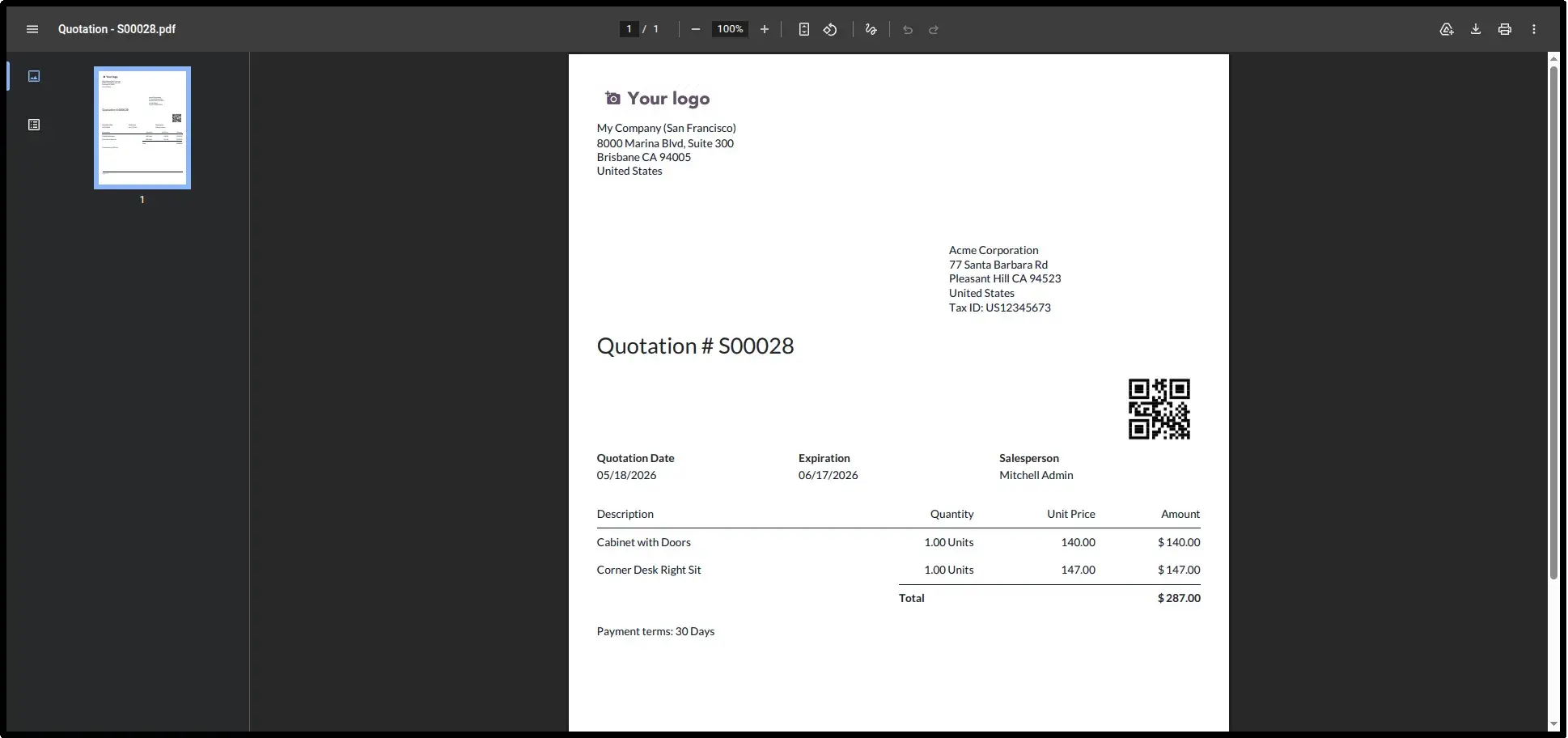
QR Code in Sales
Automatically print scannable QR codes on all Sales Reports, Quotations, and Pro-Forma Invoice reports for instant customer verification.
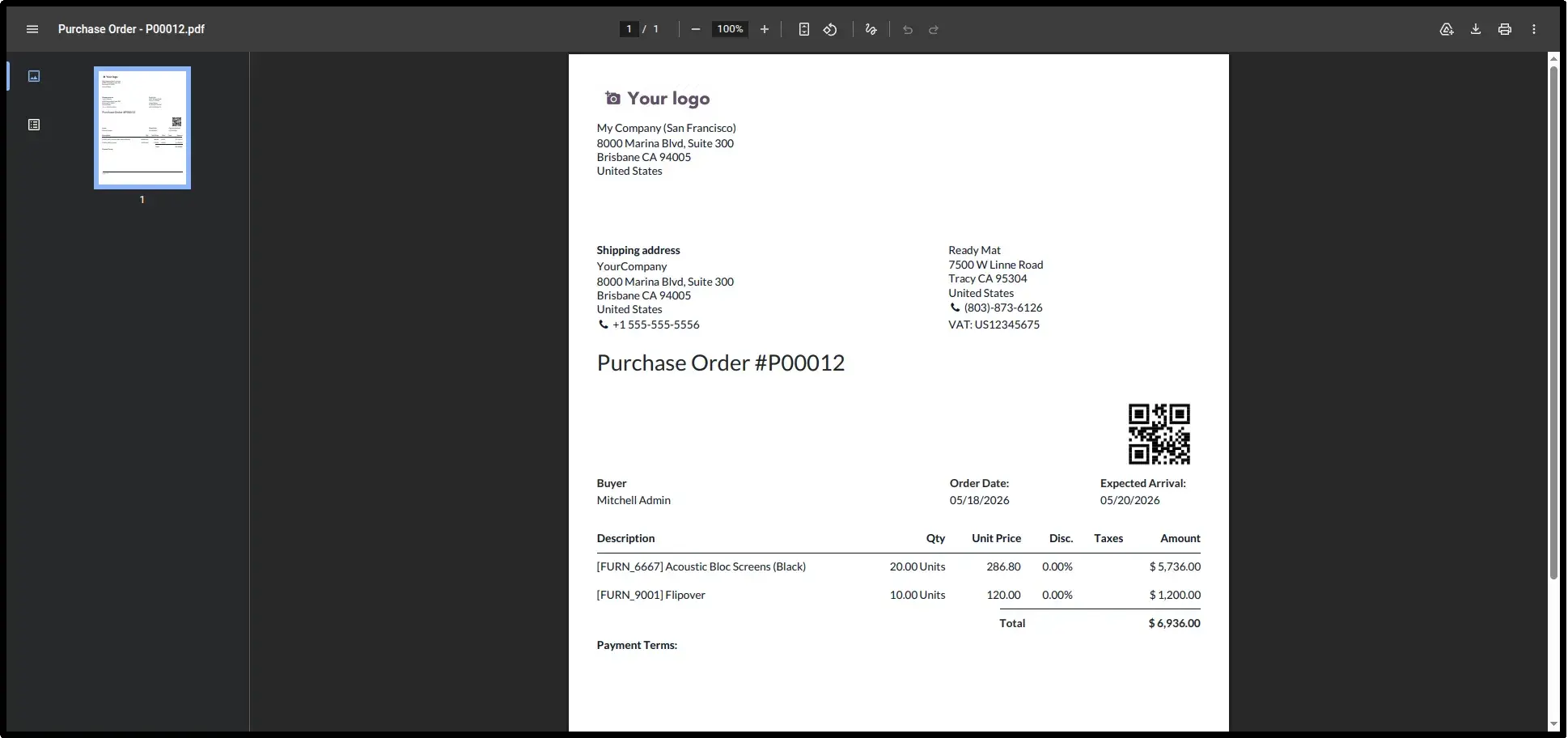
QR Code in Purchase
Streamline procurement by embedding QR codes into Purchase Order reports and Request for Quotation (RFQ) documents.
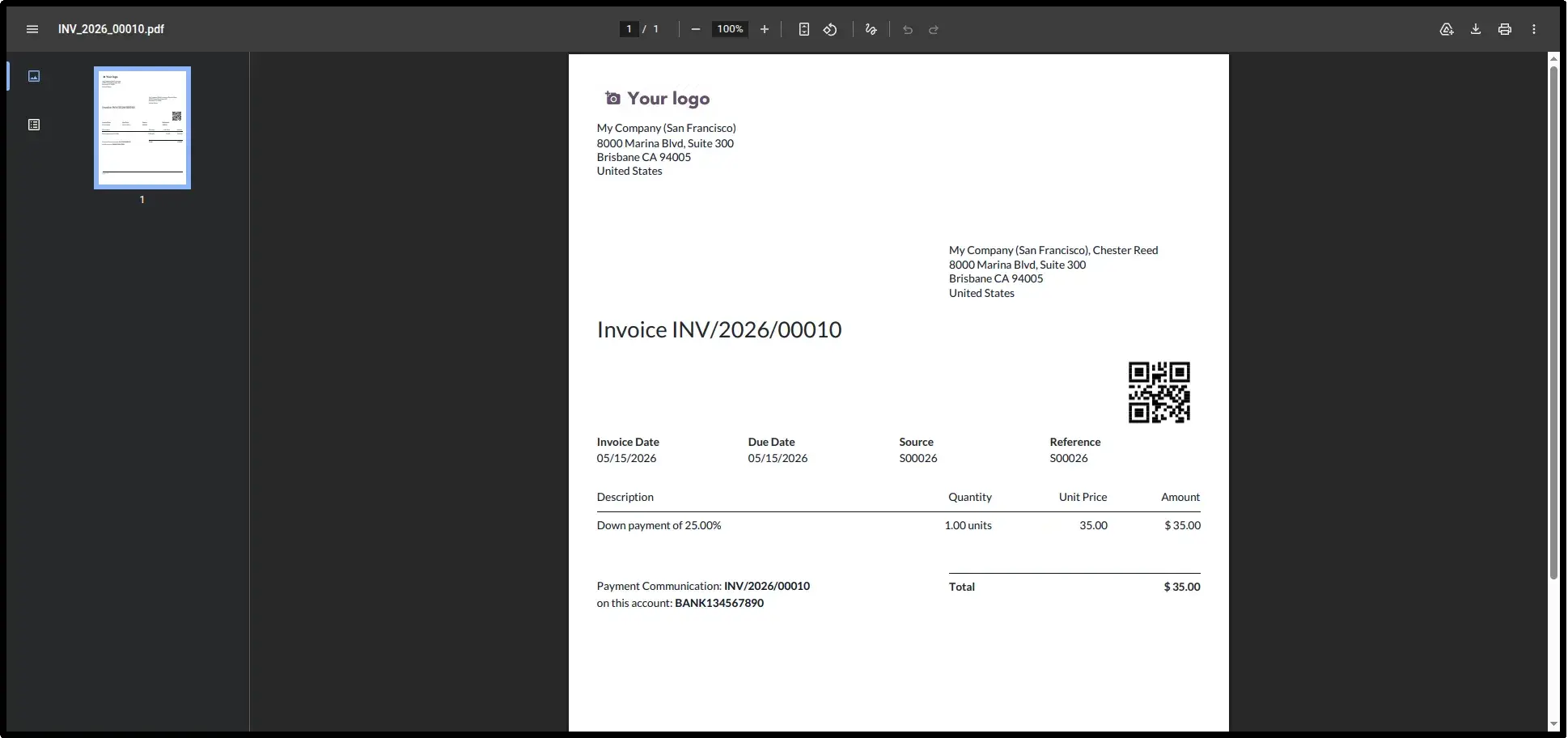
QR Code in Accounting
Simplify billing audits. QR codes appear on Invoices (with/without payments) and Vendor Bills instantly upon generation.
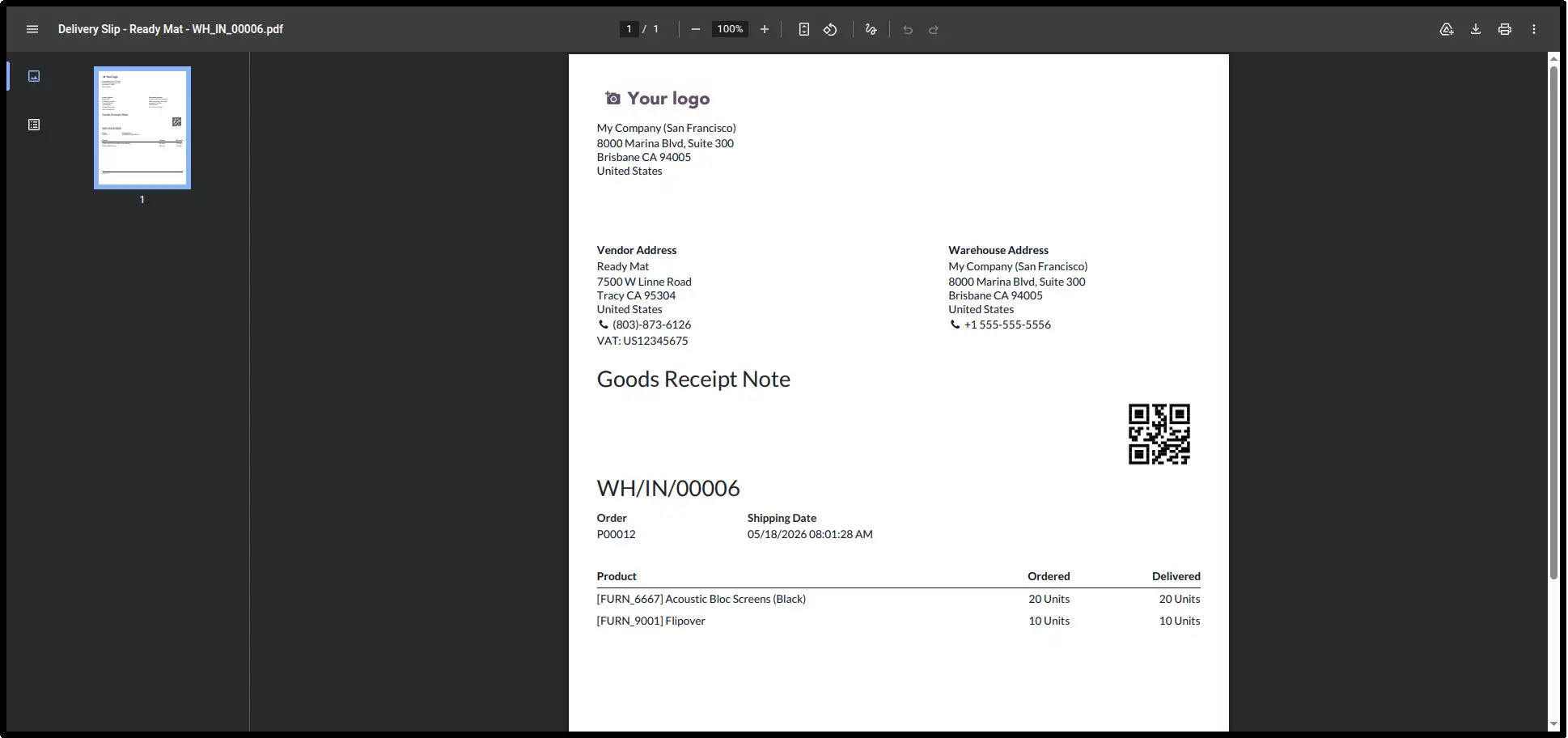
QR Code in Inventory
Optimize warehouse management. Scannable QR codes on Delivery Slips allow for rapid stock tracking and error-free inventory movement.
Frequently Asked Questions
Technical Details
Dependencies
• Inventory (stock)
• Invoicing (account)
• Purchase (purchase)
• Sales (sale_management)
• Discuss (mail)
License
OPL-1
Need Assistance?
Email Support
contact@gritxi-tech.comAny Questions?
Have questions about this app?
Fill out the form below and our team will get back to you with more information.
Customer Reviews
Share your experience with this module.
Write a Review
Latest Reviews
No reviews yet. Be the first to share your thoughts!