
Dynamic Report Header
Dynamically configure professional report headers across Odoo business documents without modifying standard report templates.
Dynamic Report Header
Dynamically configure and manage report header information across Sales, Purchase, Inventory, Accounting, and other business documents while maintaining consistent, professional branding without modifying standard Odoo report templates.
App Overview

Introduction
The Dynamic Report Header module extends Odoo's standard reporting
functionality by allowing businesses to dynamically configure and manage
report header information across business documents from a centralized
configuration area.
Instead of manually customizing individual QWeb report templates,
administrators can configure report header information once and the
system automatically applies it during report generation. This provides
a consistent, professional appearance across all business documents.
The module integrates seamlessly with Odoo Sales, Purchase,
Inventory, Accounting/Invoicing, and the standard QWeb reporting
engine while supporting documents such as Quotations, Sales Orders,
Purchase Orders, RFQs, Delivery Slips, Customer Invoices, and Vendor Bills.

Purpose
The purpose of this module is to simplify report branding and report header management by allowing businesses to configure report header information from a centralized location. It helps organizations standardize business document headers, improve report presentation, reduce manual report customization, maintain consistent corporate branding, dynamically manage report header information, simplify report layout management, and enhance document readability without modifying standard Odoo report templates.
Business Use Cases

Corporate Branding
Maintain consistent company branding across quotations, invoices, purchase orders, delivery slips, and all other business reports.

Accounting Departments
Produce professional customer invoices, vendor bills, and financial documents with standardized report headers.

Procurement Teams
Improve purchase orders and RFQs with professional formatting and standardized company information.

Multi-Company Organizations
Configure separate report headers for each company while maintaining a unified reporting framework.

Distribution & Logistics
Enhance delivery slips and shipping documents with consistent branding and professional presentation.

Customer Communication
Improve customer-facing business documents with professionally formatted report headers and branding.
Key Features
Dynamic Report Header
Configure and display dynamic report headers across business documents without modifying report templates.
Centralized Configuration
Manage report header information from one configuration screen for the entire system.
Multi Document Support
Supports Quotations, Sales Orders, Purchase Orders, RFQs, Invoices, Bills, and Delivery Slips.
Company-Based Configuration
Configure unique report headers for each company in multi-company environments.
Professional Report Layout
Improve the appearance and readability of business documents with professional report formatting.
Dynamic Report Rendering
Automatically applies configured header information during report generation.
No Technical Customization
Configure report headers through the backend without writing or modifying QWeb code.
Native Odoo Integration
Fully integrated with Odoo's standard reporting engine for reliable upgrades and compatibility.
Consistent Branding
Maintain consistent company branding and document identity across every printed report.
Lightweight Implementation
Delivers dynamic report header functionality with minimal impact on overall system performance.
Configuration & Workflow
Configure Document Layout
No additional technical setup or report customization is required. Open Settings → General Settings → Companies → Configure Document Layout to manage the report header configuration. All changes are applied dynamically to supported reports using Odoo's standard reporting engine.
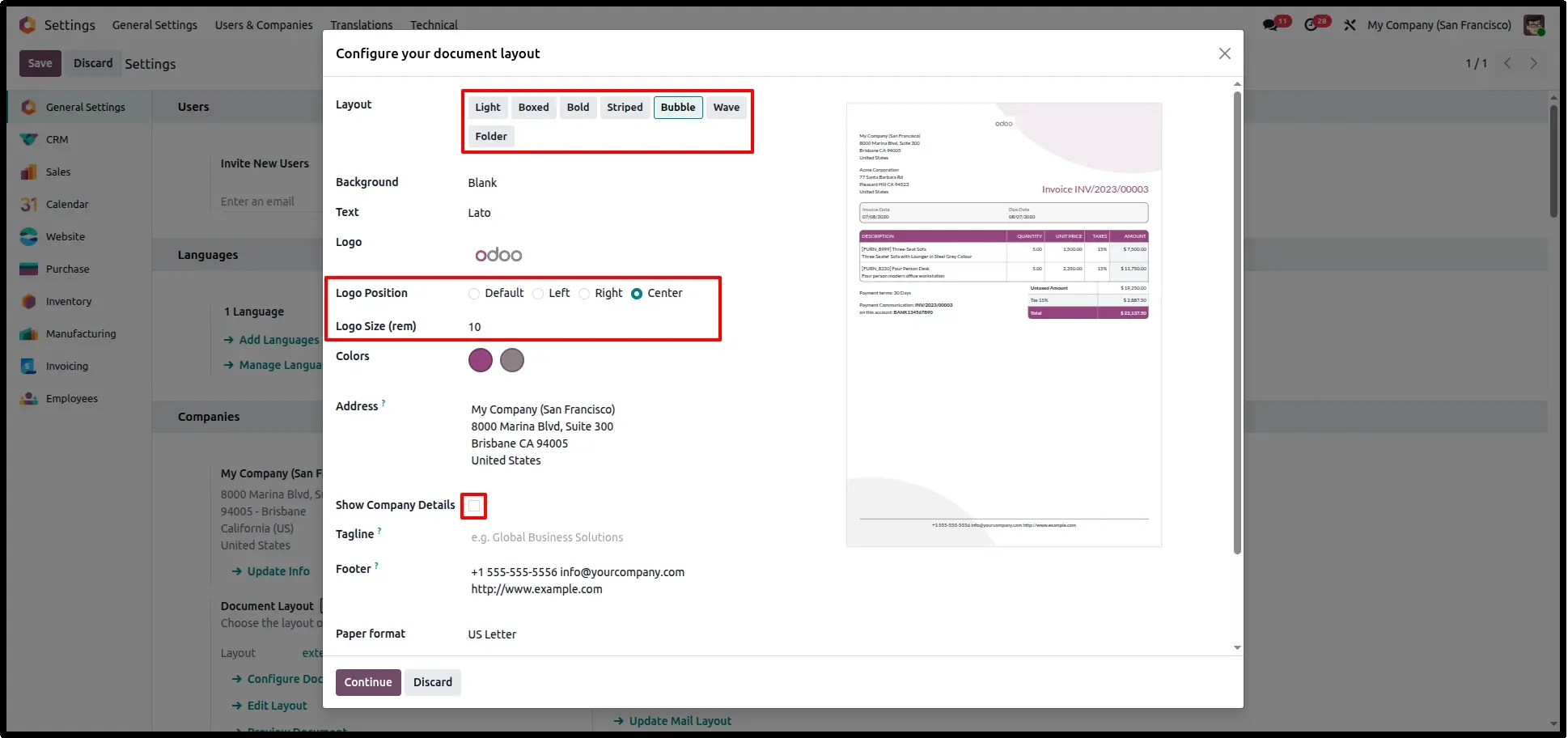
Left Header Layout
Configure the report layout with the company logo and company information aligned to the Left. The selected layout is automatically reflected across all supported business reports.
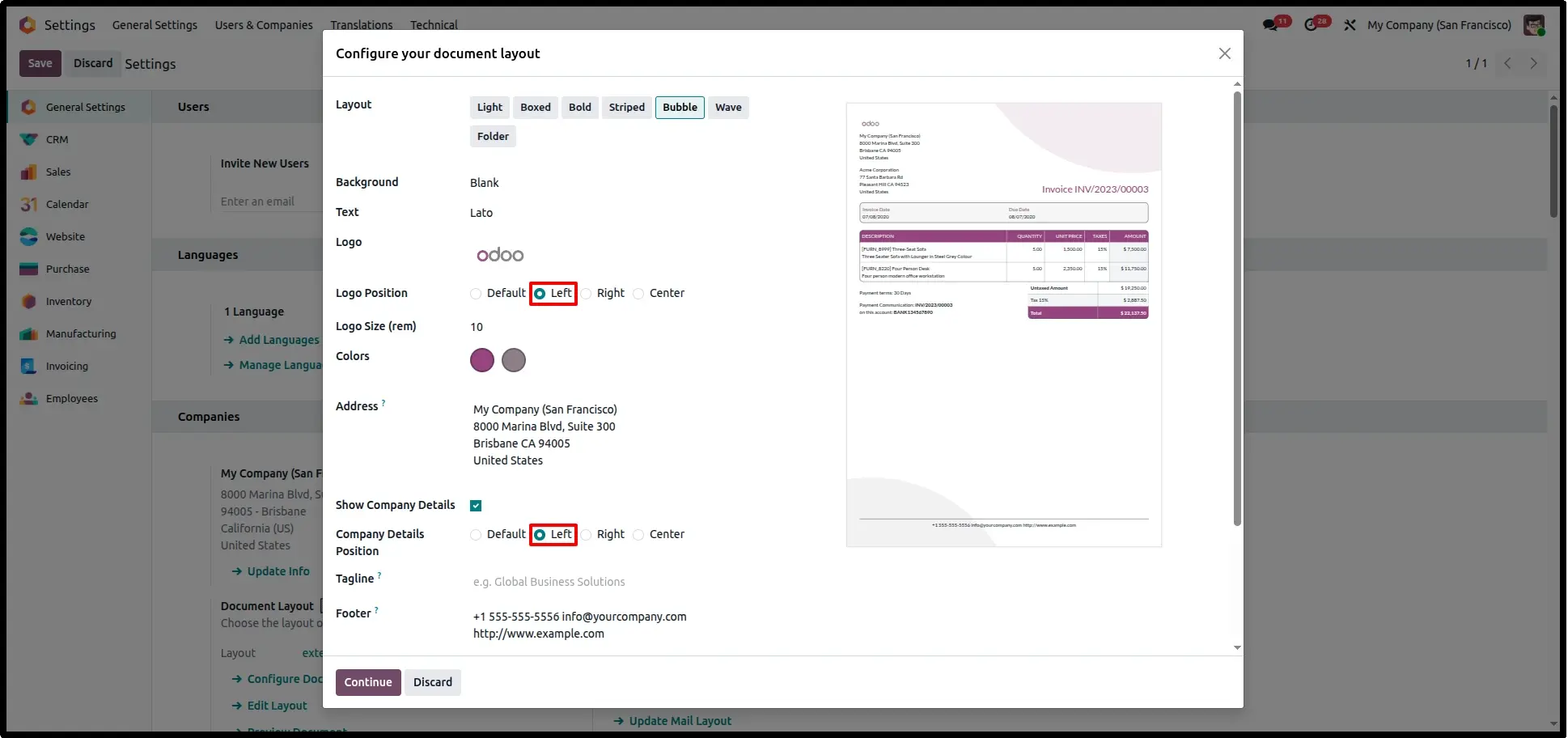
Right Header Layout
Select the Right alignment to display the company logo and company details on the right side of every supported business document while preserving a clean professional layout.
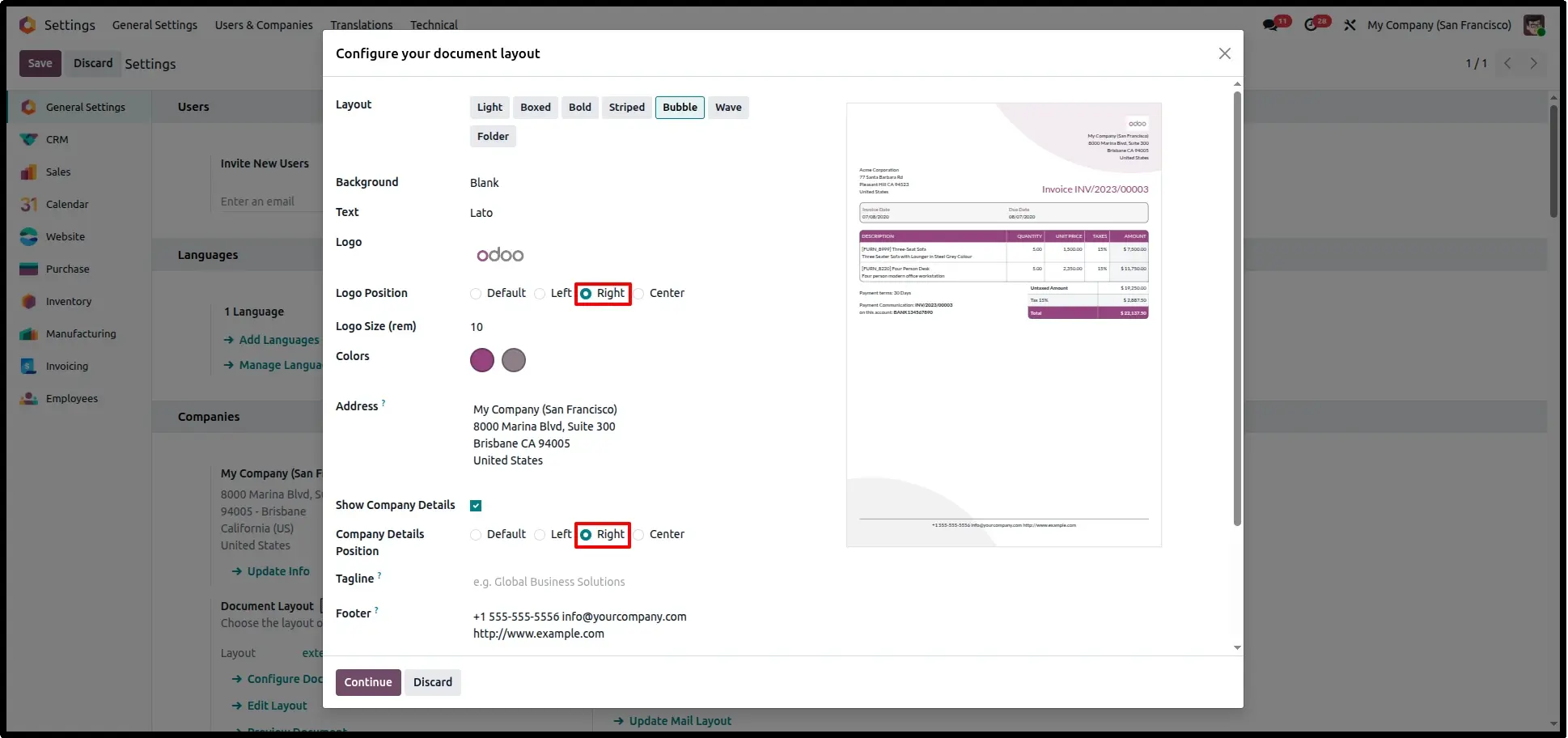
Center Header Layout
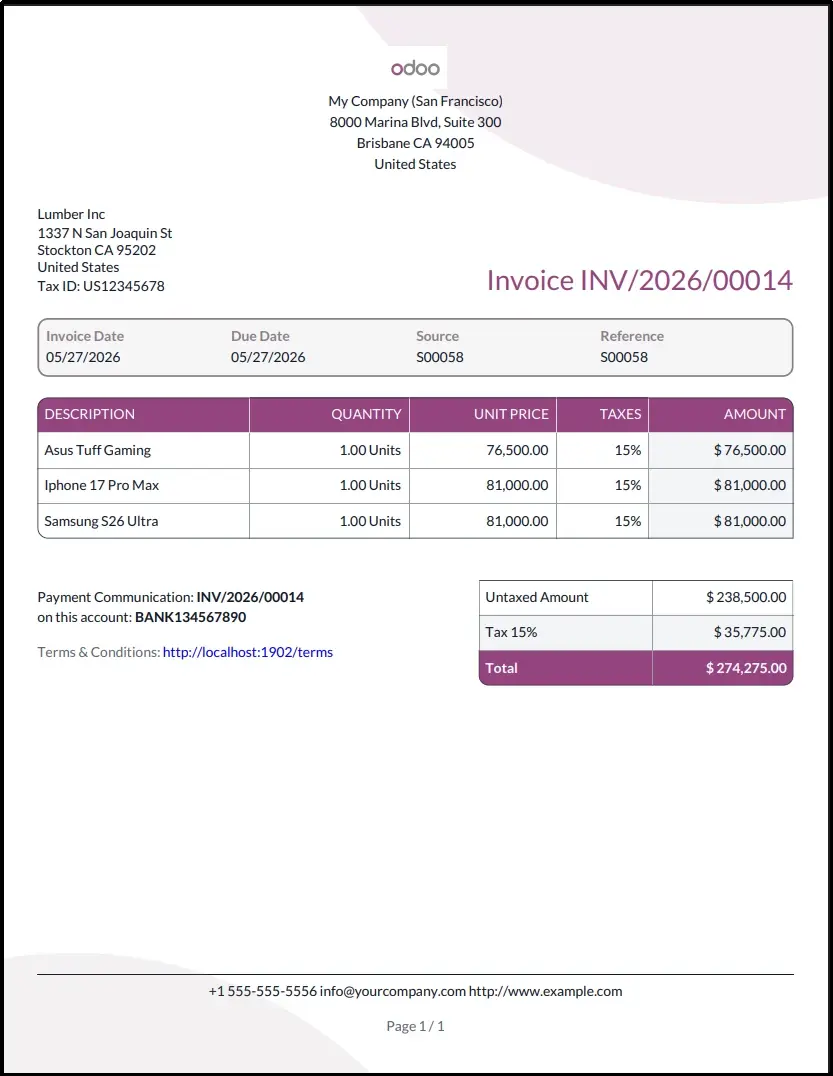
Choose the Center layout to position the company branding and report header information centrally, providing a balanced appearance across all generated reports.
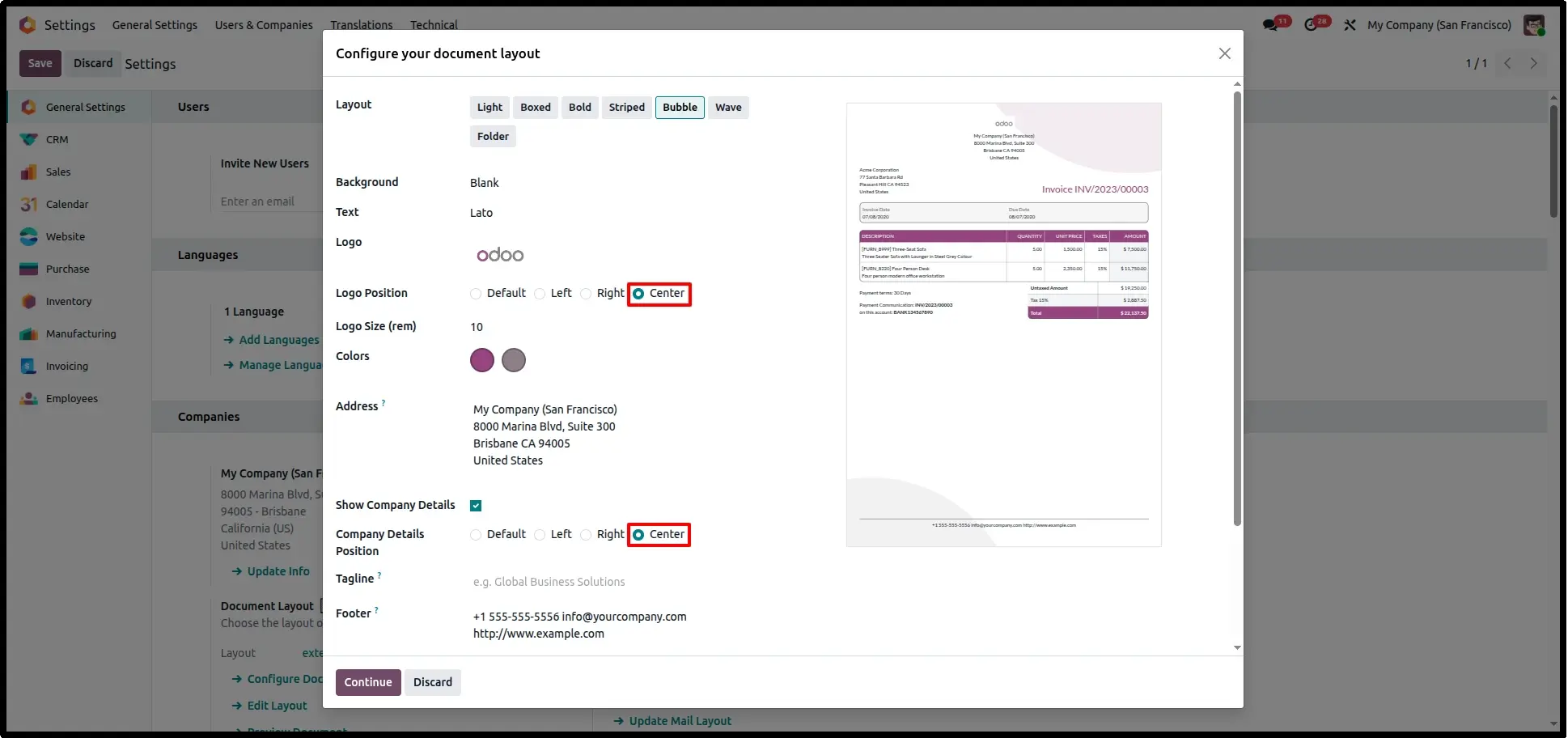
Dynamic PDF Report Preview
Generate any supported document such as a Quotation, Invoice, Purchase Order, or Delivery Slip. The configured logo and company details are applied automatically during PDF generation without any manual report customization.
Frequently Asked Questions
Technical Details
Dependencies
• Web (web)
License
OPL-1
Need Assistance?
Email Support
contact@gritxi-tech.comAny Questions?
Have questions about this app?
Fill out the form below and our team will get back to you with more information.
Customer Reviews
Share your experience with this module.
Write a Review
Latest Reviews
No reviews yet. Be the first to share your thoughts!